

 May 15, 2026, 1:03 a.m.
Cybersecurity Awareness Training: MFA and Access Control — Identity Security IT Guide
In enterprise cybersecurity strategies, the most critical link is user identity verification and access rights control. Today, 81% of cyberattacks are carried out using weak or stolen credentials. This reality clearly demonstrates why multi-factor authentication (MFA) and strict access control mechanisms are the cornerstones of modern cybersecurity strategies. This guide aims to provide IT professionals with the technical knowledge and best practices needed to strengthen identity security.
Multi-Factor Authentication (MFA): Security Layers
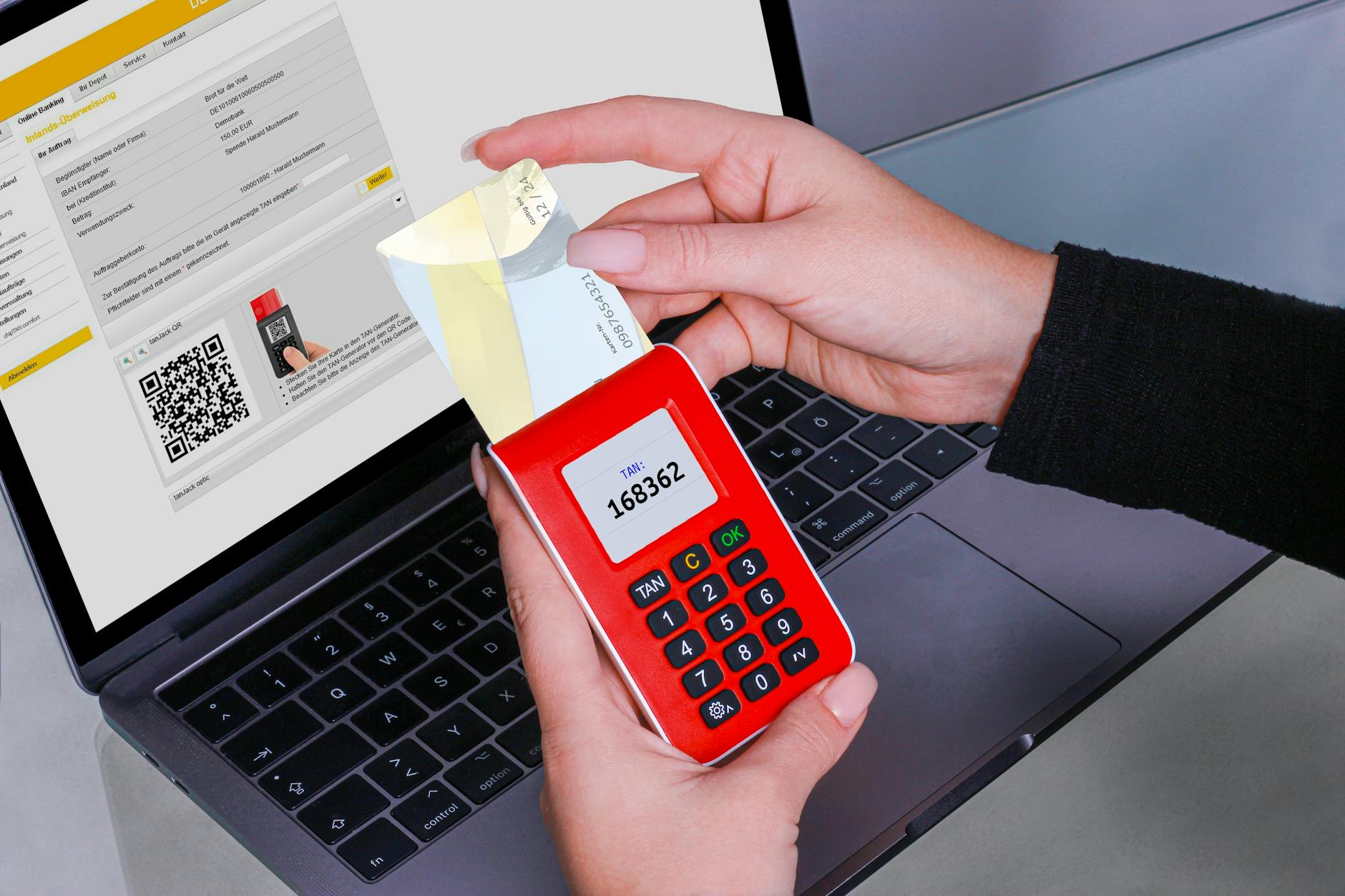
Multi-factor authentication is a security mechanism that requires the use of two or more independent factors to verify user identity. These factors are traditionally divided into three categories: something you know (password), something you have (phone, token), and something you are (biometric data). However, not all MFA solutions offer equal security levels.
MFA Types and Security Levels
SMS-Based OTP (One-Time Password): One of the most widely used but weakest MFA methods. It can be easily bypassed through SIM swap attacks, SS7 protocol vulnerabilities, and phishing attacks. NIST (National Institute of Standards and Technology) no longer considers SMS-based authentication secure and recommends phasing out this method.
Authenticator Apps (TOTP/HOTP): Applications like Google Authenticator and Microsoft Authenticator generate time-based or counter-based one-time passwords. While more secure than SMS, they are still vulnerable to phishing attacks because users may not be able to distinguish whether they are entering the code on a legitimate or fake site.
Push Notifications: Notifications sent to the user's mobile device requiring approval. They are vulnerable to MFA fatigue attacks; attackers send continuous push notifications to annoy the user and wait for them to accidentally approve.
FIDO2 and WebAuthn Standard: The most secure MFA method today. It uses hardware-based security keys (YubiKey, Titan Key) or platform authenticators (Windows Hello, Touch ID). It is resistant to phishing attacks because it cryptographically verifies the correct domain. Using public key cryptography, no shared secrets are stored on the server, making replay attacks impossible.
MFA Bypass Techniques and Protection Methods
Cyberattackers are constantly developing new techniques to bypass MFA mechanisms. It is critical for IT teams to understand these techniques and implement countermeasures.
MFA Fatigue Attacks: Attackers use stolen credentials to send continuous MFA requests to the target user. When the user becomes annoyed and accidentally or deliberately approves, access to the system is gained. Against such attacks, systems requiring numerical confirmation codes, providing contextual information, and using adaptive access controls should be preferred.
Session Hijacking and AiTM (Adversary-in-the-Middle): Attackers create a fake login page using a reverse proxy and steal both the user's credentials and MFA code in real-time. With this method, they also capture session cookies and completely bypass MFA. For protection, FIDO2-based methods, strict cookie security settings, and security systems that detect abnormal session behaviors should be used.
SIM Swap Attacks: The attacker uses social engineering to deceive the phone operator and transfers the victim's phone number to their own SIM card. In this case, all SMS-based verification codes go to the attacker. Additional verification steps should be added in coordination with telecom operators, and migration away from SMS-based MFA is necessary.
Privileged Access Management (PAM): Protecting Critical Accounts

Privileged accounts are user accounts with high authority levels in systems and provide access to the organization's most critical digital assets. The security of these accounts is much more critical than regular user accounts because their compromise results in far more devastating impacts.
PAM Components and Implementation Strategies
Password Vault: Ensures all privileged account credentials are stored in a centralized, encrypted repository. Even IT personnel can securely access when needed without seeing the actual passwords. Automatic password rotation regularly changes credentials and reduces the risk of compromise.
Just-in-Time (JIT) Access: Instead of giving users permanent high privileges, it provides necessary permissions for a limited time when needed. This approach significantly reduces the attack surface and supports the "zero standing privileges" principle.
Session Monitoring and Recording: All operations performed with privileged accounts should be recorded and monitored. Features like video recording, keystroke logging, and command tracking play a critical role in both investigating security incidents and detecting insider threats.
Behavioral Analysis: Normal behavior patterns of privileged accounts are established and abnormal activities are automatically detected. For example, an account normally used only during business hours showing activity at midnight or accessing unusual systems triggers an alarm.
Service Account Security
Service accounts are automated accounts that enable applications and systems to interact with each other. These accounts are often neglected in security but are highly valuable targets for attackers.
Service Account Risks: They typically have high privileges, passwords are rarely changed, they don't require MFA, and are often hardcoded or stored in insecure locations




Similar Posts