

 May 19, 2026, 12:46 a.m.
Physical Security and Clean Desk Policy: The Overlooked Dimension of Cybersecurity
When cybersecurity is mentioned, strong passwords, firewalls, and antivirus software typically come to mind. However, a critical dimension of security begins in the physical environment and continues in our workspaces. A cyber attacker doesn't always need to follow a digital path to reach their target; sometimes the simplest physical security vulnerabilities can produce far more effective results than advanced cyber attacks.
At the foundation of enterprise cybersecurity strategies lies employee awareness of physical security. Carelessly plugging in a USB drive, shoulder surfing, or unauthorized building access can instantly render all technological security measures useless. Therefore, training employees on physical security threats and clean desk policy is an indispensable part of modern cybersecurity approach.
Shoulder Surfing: The Threat Over Your Shoulder
Shoulder surfing means an attacker or unauthorized person observing someone else's screen, keyboard, or confidential information. This threat can occur on public transportation, in cafes, at airports, and even in offices. The attacker physically positions themselves near you to see your password entries, email content, financial information, or work-related sensitive data.
Measures to protect against shoulder surfing attacks include:
- Use privacy filters: Use privacy filters for laptops and monitors that block viewing from side angles.
- Be aware of your surroundings: Check for people around you when entering or viewing sensitive information.
- Screen positioning: Position your monitor facing a wall or secure area.
- Use screen lock: Always lock your computer when leaving your desk (Windows: Win+L, Mac: Cmd+Ctrl+Q).
- Prefer password manager: Reduce observation risk by using a password manager instead of manually entering passwords.
Tailgating: Unauthorized Access Through the Door
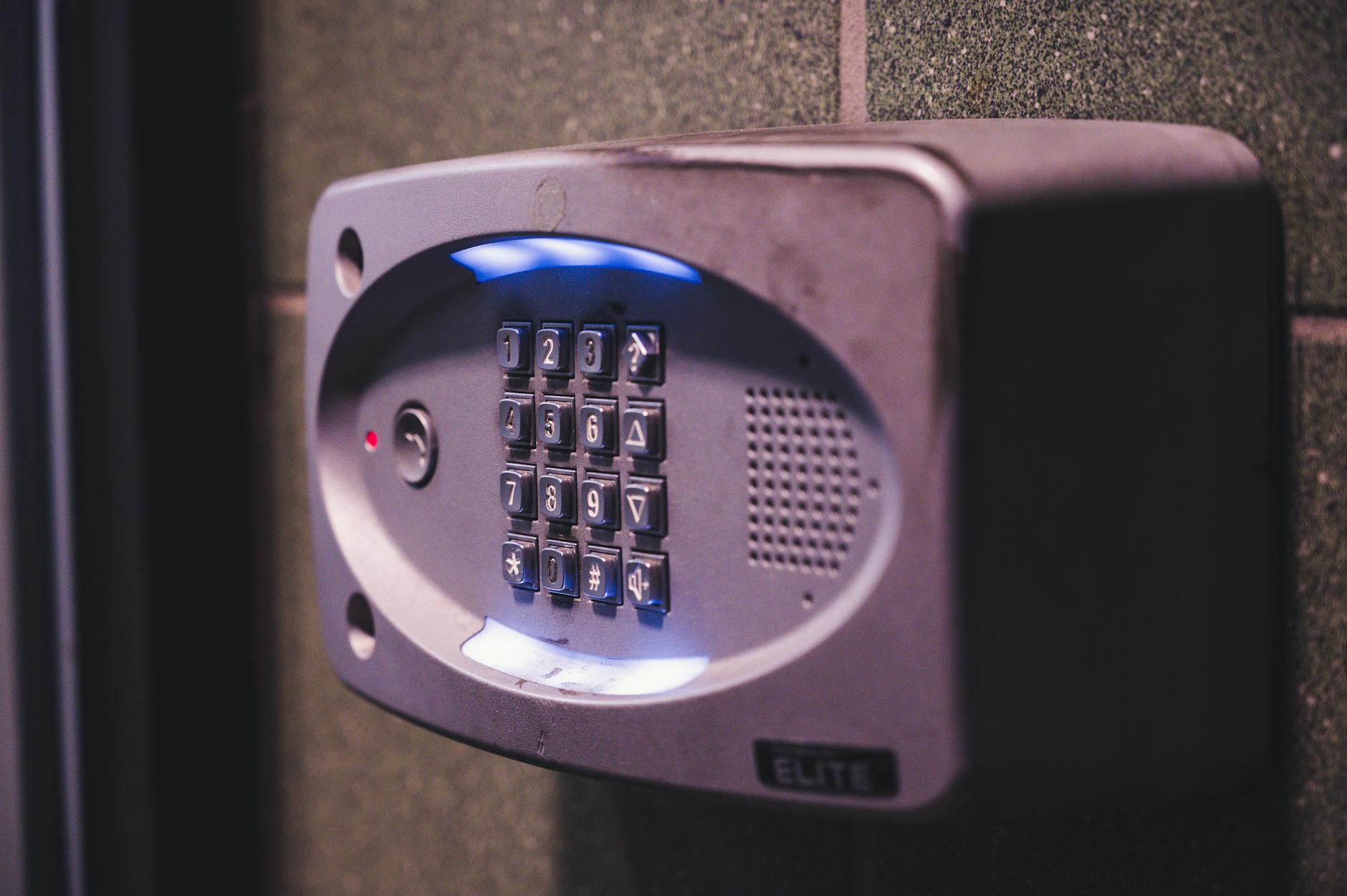
Tailgating or "piggybacking" means an unauthorized person entering a secure area without permission by following immediately behind an authorized person. This social engineering technique exploits people's courtesy instincts. Most employees tend to hold the door for someone following them, which can lead to serious security vulnerabilities.
Corporate policies to prevent tailgating attacks should include:
- No door holding policy: Employees should be trained not to hold doors for people they don't recognize.
- ID verification: Every employee should visibly wear their ID card and ensure other employees do the same.
- Reception protocols: All visitors must pass through reception and receive temporary access cards.
- Mantrap systems: Double-door access systems should be used in critical areas.
- Report suspicious situations: Employees should be encouraged to politely question unrecognized individuals and report them to security.
Visitor Policy and Access Control
Visitor management in corporate environments is a critical component of physical security. Suppliers, customers, business partners, and even repair technicians can pose potential security risks. A comprehensive visitor policy should include these elements:
- Pre-registration system: Visitors should be pre-registered and the appointment-holding employee should be notified.
- Identity verification: Photo ID verification should be performed at reception and recorded.
- Temporary cards: Visitors should be issued temporary cards with limited access rights.
- Escort requirement: Visitors must be accompanied by an employee in sensitive areas.
- Exit control: Visitor cards should be collected upon exit and exit time recorded.
Clean Desk Policy: Foundation of Physical Data Security

Clean desk policy is a security practice requiring employees to store documents, USB drives, or other storage media containing sensitive information in a manner that is not visible and not open to unauthorized access. This policy should be applied both at end of day and during temporary desk absences.
An effective clean desk policy includes these principles:
- Locked storage of sensitive documents: All classified documents should be stored in locked drawers or cabinets at end of day or when not in use.
- Screen locking: Computer screens must be locked when leaving the desk.
- Printer security: Documents from printers should be collected immediately, forgotten printouts should be checked regularly.
- Post-its and notes: Notes containing passwords or sensitive information should never be stuck on monitors or desks.
- Waste management: Sensitive documents should be run through paper shredders before being discarded.
- Removable media control: USB drives, external disks, and other portable media should be stored securely.
Clean Desk Policy Audits
Regular audits should be conducted to ensure policy effectiveness. Security teams can walk through offices outside working hours to identify non-compliance and provide feedback to employees. These audits should be conducted with an educational rather than punitive approach.


Similar Posts