

 May 29, 2026, 7:50 p.m.
Mobile Device Security and BYOD Policy: The Overlooked Front of Corporate Data Security
In the modern business world, smartphones and tablets have become as critical work tools as office computers. The BYOD (Bring Your Own Device) policy, which means employees using their personal mobile devices for work purposes, provides businesses with flexibility and cost advantages, while also bringing serious cybersecurity risks. As Nordis Global, in this article we will comprehensively address the fundamental principles of mobile device security and how to create an effective BYOD policy.
What is BYOD Policy and Why is it Critically Important?

BYOD policy is a managerial framework that allows employees to use their personal smartphones, tablets, or laptops to access corporate resources. This approach can increase employee satisfaction while reducing operational costs. However, connecting personal devices to corporate networks also brings risks such as data leakage, malware infection, and unauthorized access.
The key components of creating an effective BYOD policy include:
- Acceptable Use Policy: Clearly defines which devices, applications, and data can be used
- Security Requirements: Minimum requirements for password policies, encryption standards, and security updates
- Data Separation: How personal and corporate data will be separated and protected on the device
- Incident Response Procedures: Steps to follow in case of device loss, theft, or security breach
- Responsibilities and Obligations: Clear responsibility definitions for both employer and employee
Fundamental Security Threats Encountered on Mobile Devices
Fake and Malicious Applications
One of the most common threats on mobile devices is fake applications that mimic legitimate apps. These applications typically appear as copies of popular games, productivity tools, or financial services, but in the background they steal personal data, collect passwords, or load malware onto the device. These threats, which can even appear in official app stores, require particularly careful examination.
Points to consider for protection against fake applications:
- Download applications only from official stores (Google Play Store, Apple App Store)
- Carefully verify the developer's identity and user reviews
- Question requested app permissions (for example, a flashlight app requesting access to your contacts is suspicious)
- Do not allow app installation from unknown sources
- Regularly remove unused applications
Application Permissions and Privacy Risks
Modern mobile applications request access to various device features such as location information, camera, microphone, contacts, messages, and storage space. Each permission request represents a potential privacy and security risk. For example, a game app should not need continuous location tracking, or a simple calculator app should not need access to your contacts.
When managing application permissions, the following principles should be considered:
- Principle of Least Privilege: Grant applications only the permissions absolutely necessary for their functions
- Regular Review: Periodically check granted permissions from device settings
- Care with Sensitive Permissions: Especially carefully evaluate permissions for access to sensitive data such as location, camera, microphone, and contacts
- Temporary Permissions: When possible, prefer "only while using the app" or "one time" options
MDM Solutions: Enterprise Mobile Device Management
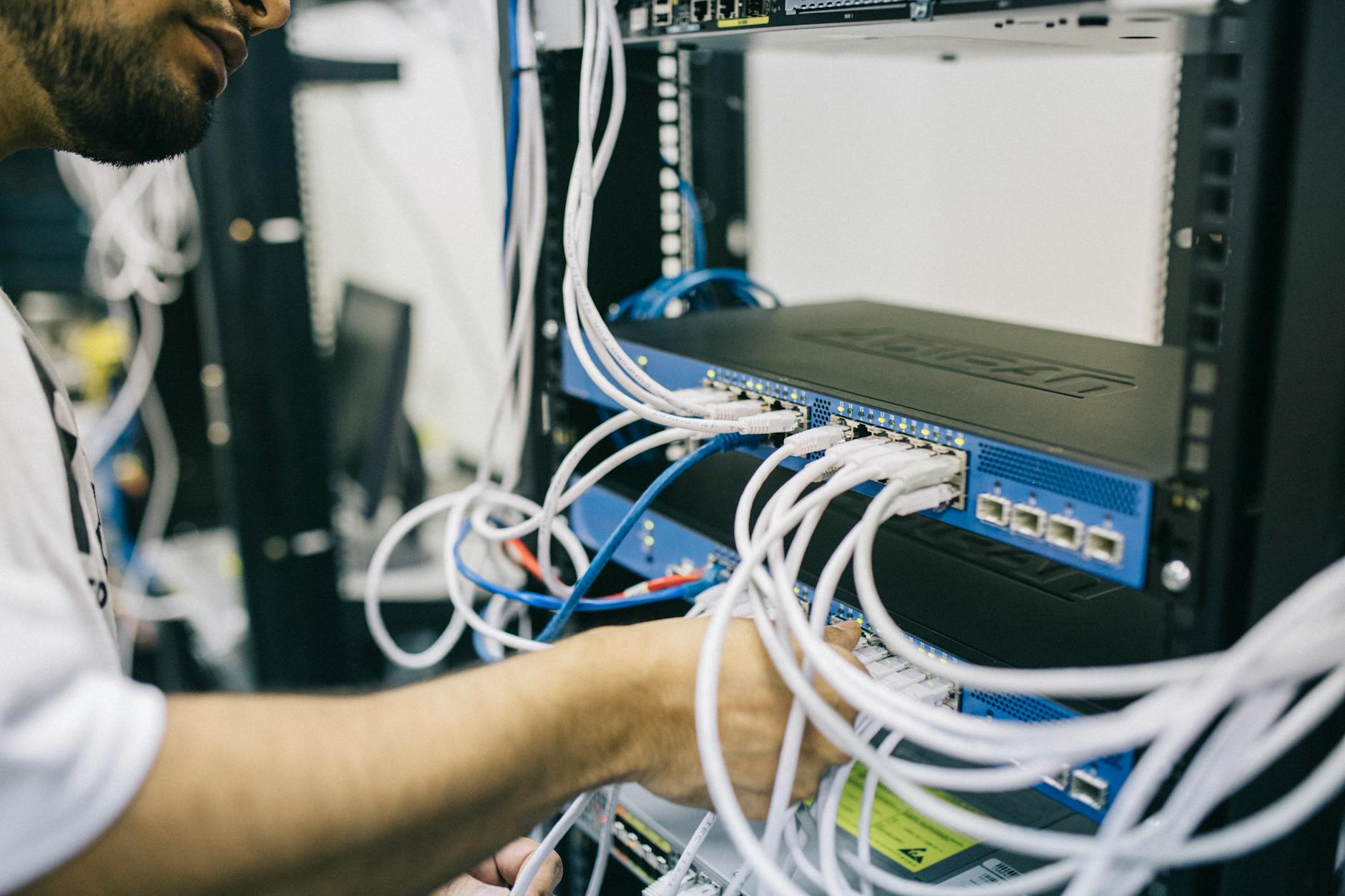
Mobile Device Management (MDM) systems are software solutions that enable organizations to centrally manage, monitor, and secure mobile devices in BYOD environments. MDM has become an indispensable part of corporate cybersecurity strategy.
Core Features of MDM Systems
An effective MDM solution should offer the following capabilities:
- Remote Configuration: Centrally configure security settings, email accounts, and VPN connections
- Policy Enforcement: Enforce password requirements, encryption standards, and firewall rules
- Application Management: Distribution of approved applications and blocking of prohibited applications
- Remote Wipe: Remotely erase corporate data on lost or stolen devices
- Monitoring and Reporting: Monitor device compliance and report security incidents
- Container Technology: Keep personal and corporate data in separate, encrypted compartments
MDM solutions should support both iOS and Android operating systems and integrate seamlessly with the organization's existing IT infrastructure. Popular MDM platforms such as Microsoft Intune, VMware Workspace ONE, MobileIron, and Citrix Endpoint Management offer solutions for different organizational needs.
Physical Security Threats: Juice Jacking and Public Charging Stations
Juice jacking is a type of physical cyberattack that mobile device users are unaware of but can have serious consequences. In this attack, public USB charging stations or cables are used to steal data from your device or load malware. Free charging points in places like airports, shopping malls, hotels, and conference halls are potential risk points.
To protect against juice jacking attacks:
- In public places, charge only using trusted AC outlets with your own charging adapter
- Carry a portable




Similar Posts